


SPECIFICATIONS
4KB Random Read: 97100
4KB Random Write: 71100
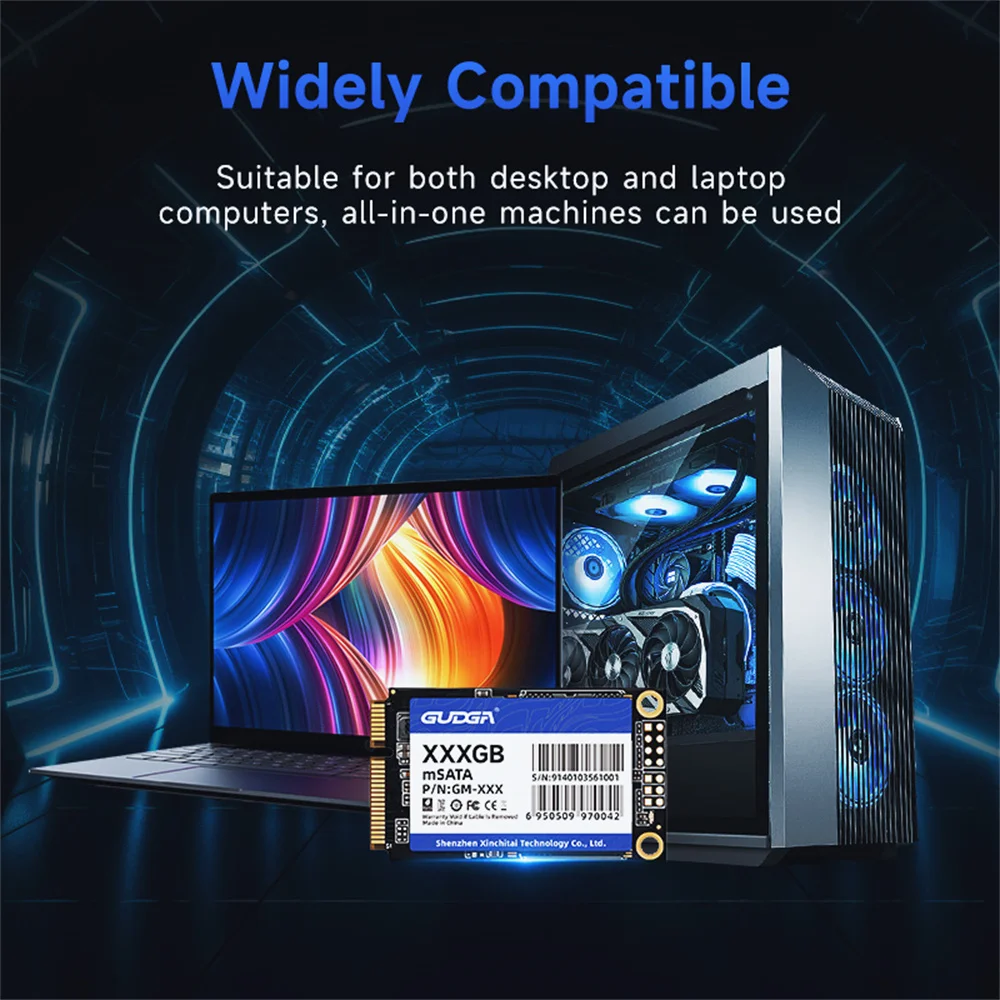
Application: Desktop,Laptop,Server
Brand Name: GUDGA
Bus Type: SATA III
Certification: CE,FCC,RoHS
Controller: MK8115/INIC6081
Cooling Fin: No
High-concerned chemical: None
Interface Type: mSATA
MTBF: 1 million hours
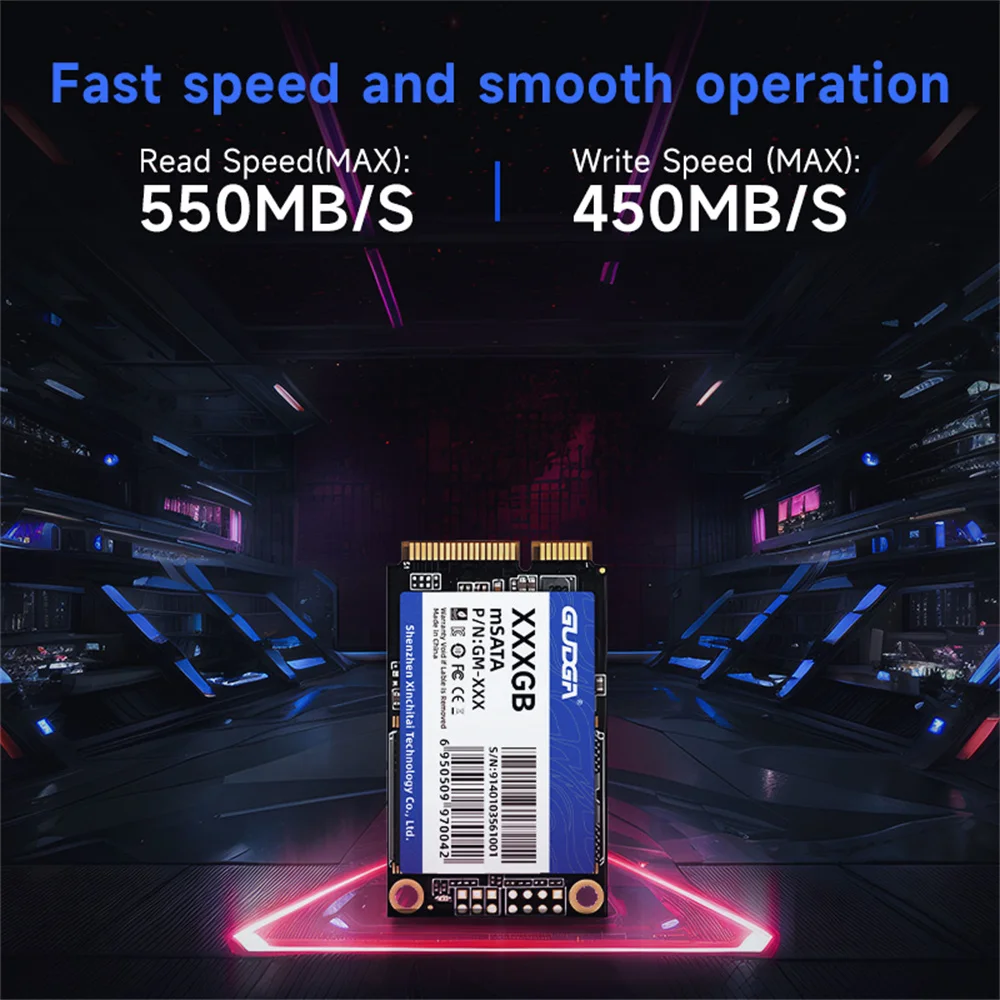
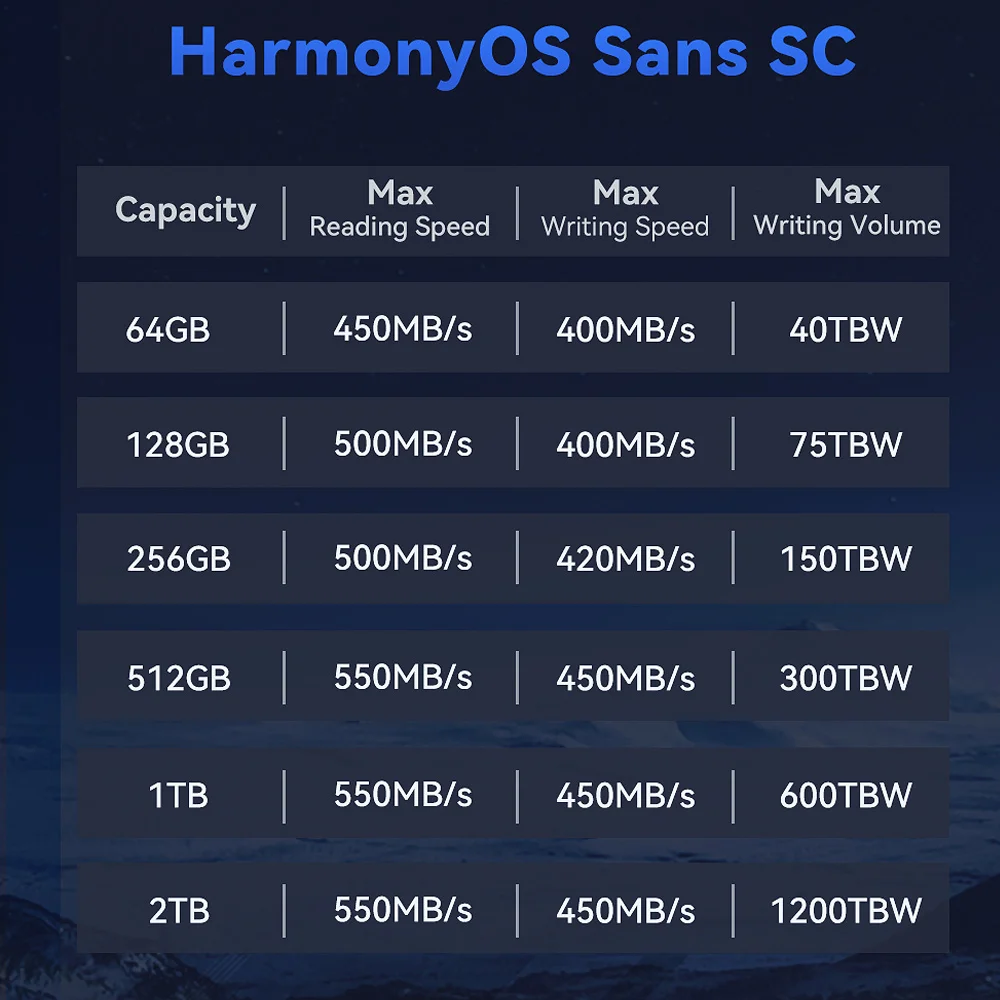
Max Sequential Read: 580
Max Sequential Write: 560
Nand Flash Type: TLC
Origin: Mainland China
Package: Yes
RGB: No
Size: mSATA
Style: SSD
Support system: Windows XP,7,8.1,Windows 2003,Windows 2008,DOS,Linux,Unix
Transport Protocol: AHCI
Type: Internal
mSATA ssd feature 1: For Lenovo Y500,Lenovo ThinkPad T430u,Lenovo X220
mSATA ssd feature 2: For lenovo y570,Lenovo v580c,Raspberry Pi4b
mSATA ssd feature 3: For Asus A3L,ASUS Eee PC 901,Acer Aspire V5,HP 2730p
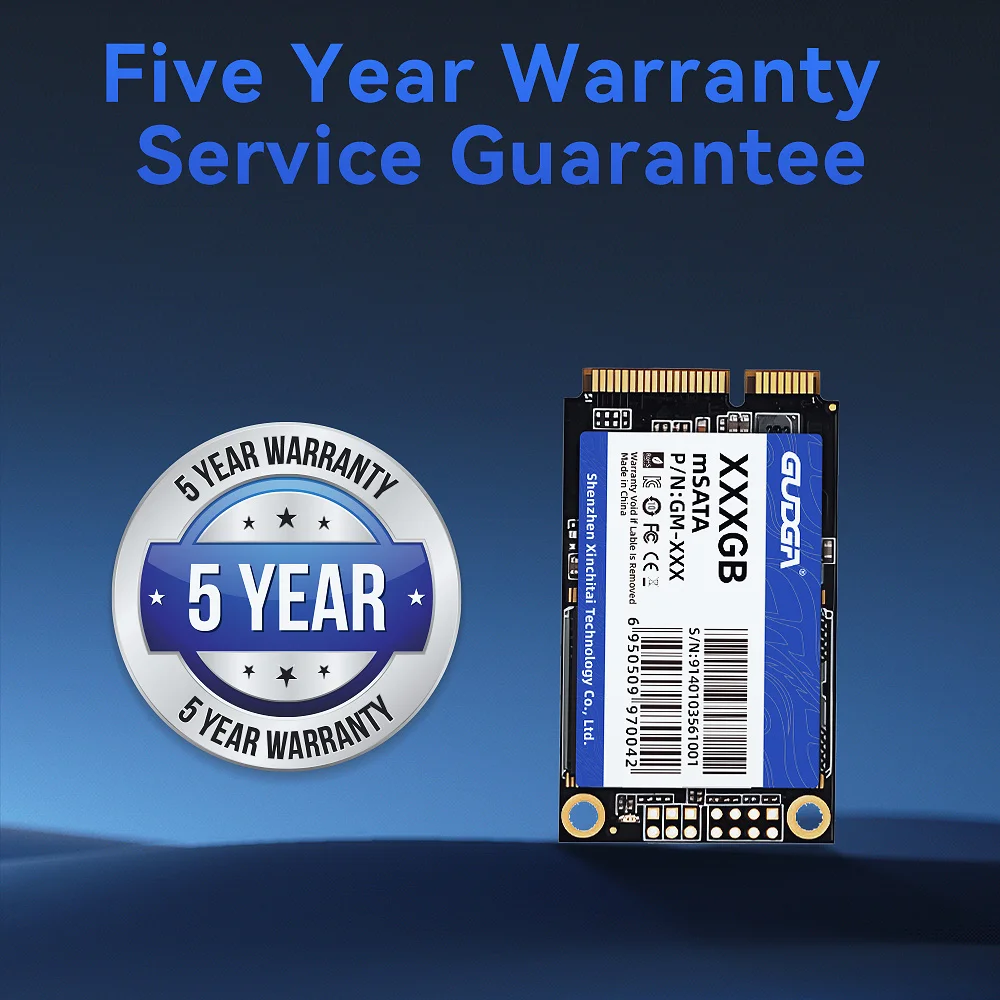
warranty: 3 years

Descriptions:
Product name: mSATA ssd
Transmission protocol: SATAIII
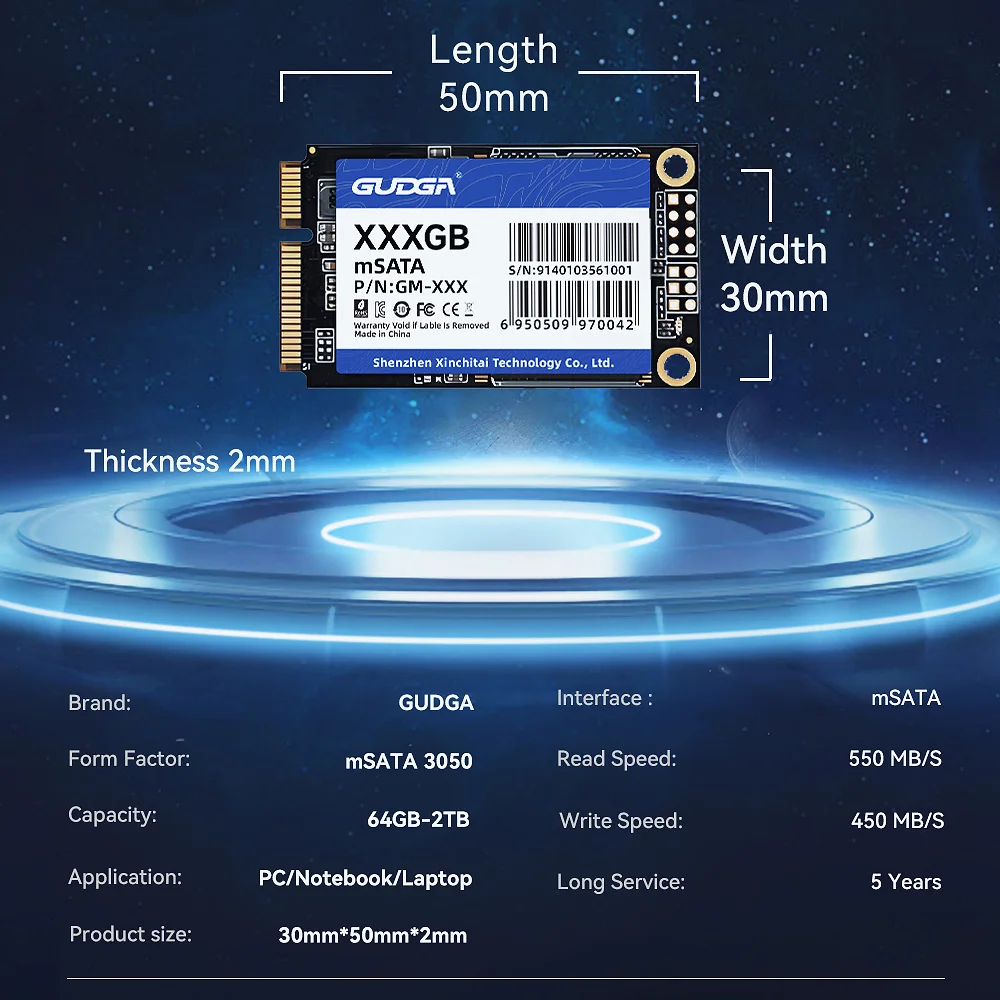
Size:50mmX30mmX3.5mm
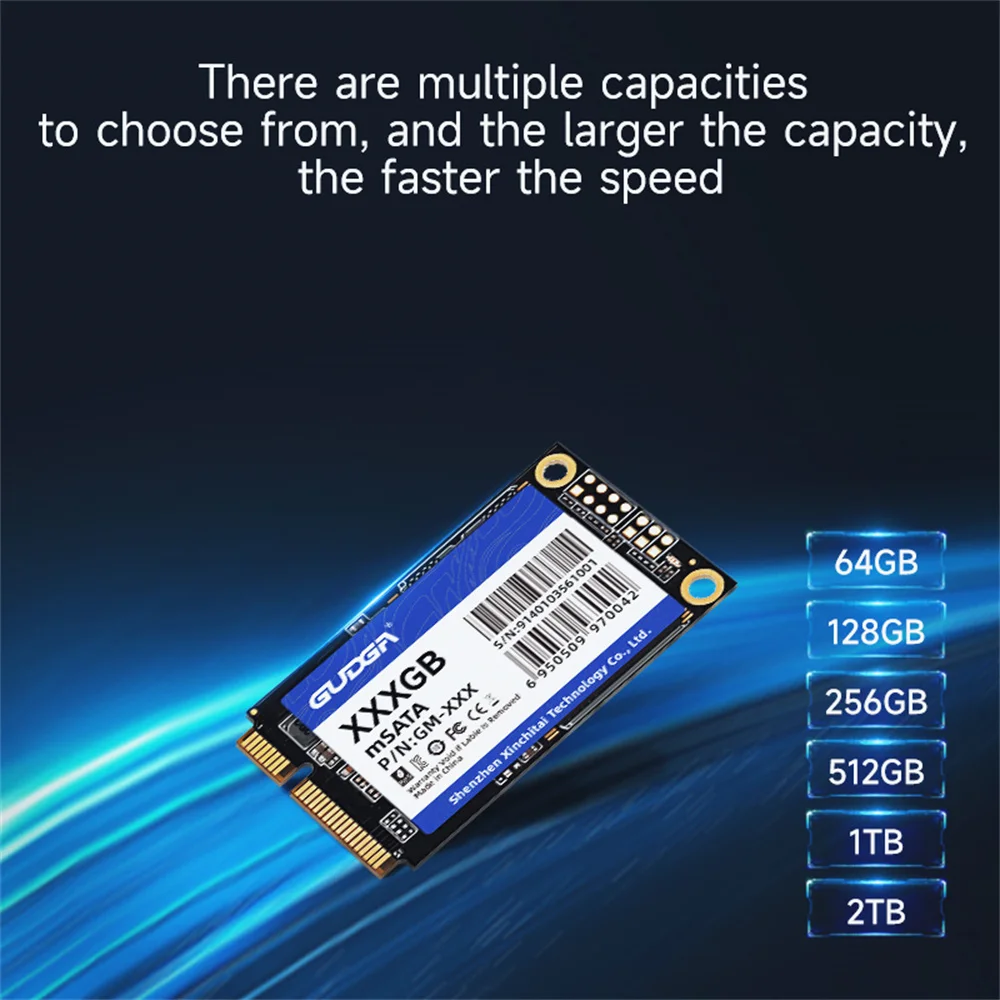
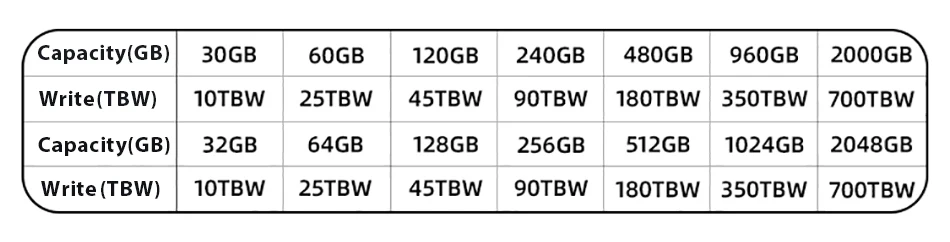
Capacity:64GB-2TB
Warranty/support:3-year warranty with free technical support
Input voltage: 3.3V±5%
Storage temperature: -20℃~+75℃
Access time: 0.07ms

Product features:
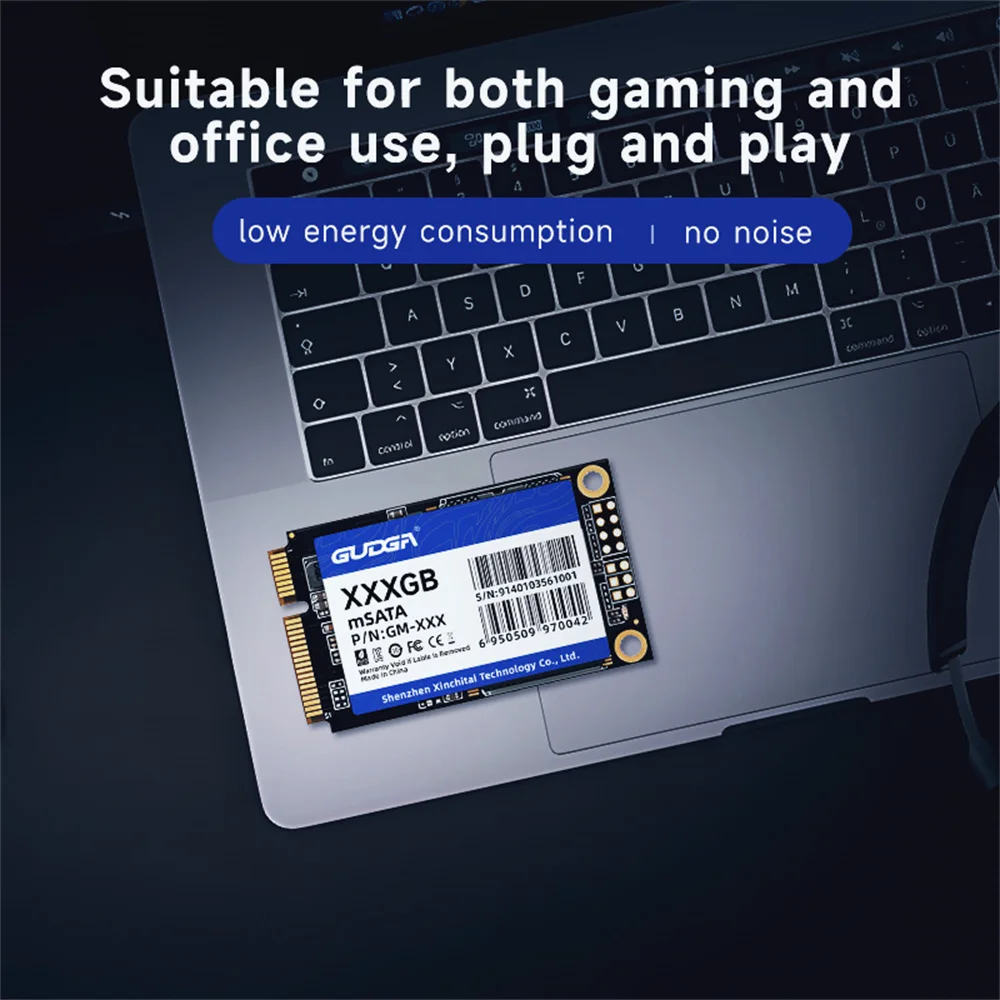
Fast reading, thin and small, low energy consumption, no noise
Service:
1. We provide 3-year warranty.
2. We promise 100% refund if you don’t get the goods.
3. We provide factory price(Support wholesale price).
4. All the product are Original GUDGA Brand.
5. We provide professional customer online service.
6. We will ship the order within one day after you make the order.

Package include:
1 X mSATAssd
1 X Package box
Special note:available capacity ≠ identification capacity
The factory capacity of storage products is usually calculated according to 1MB=1000KB, 1GB=1000MB, and computer operating systems use binary algorithms, that is, 1MB=1024KB, 1GB=1024MB, so the usable capacity of storage products is about 90% of the identified capacity,normal phenomenon
(8G≈7.3G, 16G≈14.5G, 32G≈28.6G, 64≈58G, 128G≈118G, 256G≈230.4G, 512G≈476G, 1TB≈930G, 2TB≈1870G)

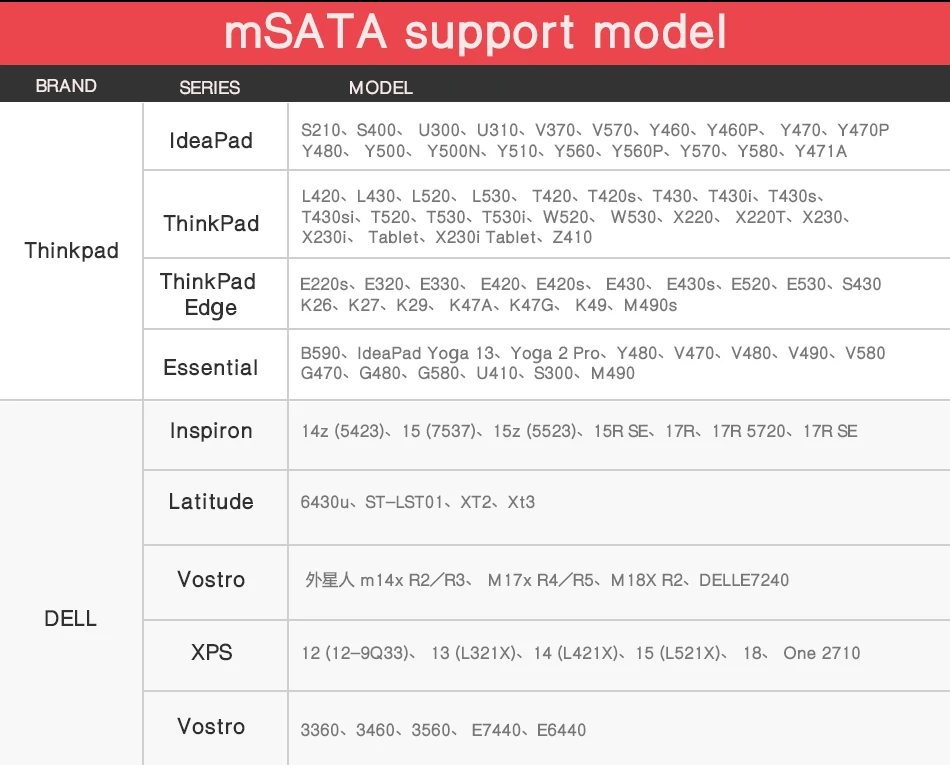
Application for below Laptops if your laptop with mSATA interface:
Acer Iconia Tab W500, W700
Acer EC 470G
Dell Alienware m14x R2/R3, M17x R4/R5, M18X R2
Asus Eee Slate EP121
Asus VivoBook: S400CA, S551LB
Asus Zenbook: UX21, UX
Hasee Bluesky P150SM, P151SM1, P157SM, W350STQ, W650SR, W230ST, W350SKQ,W355STQ, W650SH, W651SH, W651SR, W655SH, W655SR, W740SU
Dell Inspiron: 14z (5423), 15 (7537), 15z (5523), 15R SE, 17R, 17R 5720,17R SE
Dell Latitude: 6430u, ST-LST01, XT2, XT3
Dell Precision: M4500, M4600, M4800, M6400, M6500, M6600, M6700, M6800
Dell XPS: 12 (12-9Q33), 13 (L321X), 14 (L421X), 15 (L521X), 18, One 2710
Dell Vostro: 3360, 3460, 3560
Dell E7440, E644
Fusion Futro: S700, S900
Fusion Garage JOOJOO
GIGABYTE Q1742N, U2142, U2440M, U2440N, U2442
Google CR-48 Chrome
HP ENVY: 14 Series*, 15 Series (15-3xxx), 17 Series (17-3xxx)
HP ENVY Sleekbook: 14*, 15.6"*
HP ENVY Spectre XT 13
HP ENVY TouchSmart: 15 Series (15-J003xx, 15-J154ca, 15t-j100,15-j113ea), 20-d010
HP Folio: 13-1000
HP Pavilion: dm4t Series (DM4T-3xxx), dv6 Series
HP ZBook 15 Mobile Workstation
Lenovo K26, K27, K29, K47A, K47G, K49, M490s
Lenovo Essential: B590
Lenovo IdeaPad: S210, S400, U300, U310, V570, Y460, Y460P, Y470, Y470P,Y480, Y500, Y500N, Y510, Y560, Y560P, Y570, Y580, Y471A
Lenovo IdeaPad Yoga 13
Lenovo ThinkPad: L420, L430, L520, L530, T420, T420s, T430, T430i, T430s,T430si, T520, T530, T530i, W520, W530, X220, X220T, X230, X230i, X230 Tablet,X230i Tablet
Lenovo ThinkPad Edge: E220s, E320, E330, E420, E420s, E430, E430s, E520,E530 (530C not ok ), S430
Lenovo Yoga 2 Pro
LG Xnote: P330
MSI GE60, GE70: 2OE-014NE, 2OE-017US
MSI: Windpad 110W
Samsung: Series 7 Slate, Series 9; Samsung Chromebook Series 5
Sony VAIO: E Series, Tap 21
Toshiba Qosmio: X70, X75-A7298
Toshiba Portege: Z830, Z835, Z930; Toshiba Satellite: P70, P770
Application for below Desktop Motherboard if it is with mSATA interface:
Intel NUC Kit: DC3217IYE, D34010WYK, DC53427HYE, D54250WYK
ASRock Z87M
MSI Z87 MPOWER
MSI Z87 MPOWER MAX
MSI Z87 XPOWER
ASRock Z77E-ITX
GIGABYTE GA-B75-D3V
MSI Z77IA-E53
FAQ
Why the capacity displayed from PC is smaller than original capacity?
Actual usable space may be less than the total storage capacity listed due to Deci mal measurement used to represent usable capacity of the SSD.
Actual capacity calculation: Total storage x 0.93 Factory default setting :1GB=1000MB=1000000KB=1000000000B Computer system setting:1GB=1024MB=1048576KB=1073741824B Example: 360GB SSD
Factory capacity: 360x1000x1000x1000=360000000000B Transfer to PC displayed actual capacity: 360000000000B/1024/1024/1024=335G Fast calculation: 360Gx0.93=335G
How to format SSD and achieve 4K alignment?
Win7 or higher version OS is recommended due to 'Disk Management Formatting" function is built in the systems. We recommend NTDS disk partition format and D ISKGENIUS tool to make drive partition.
PS: Please make sure your PC system runs under AHCI mode.Otherwise,SSD write /read speed performance and response time witl be affected. Use as SSD Benchm ark to check if SSD has complied with 4K Alignment and already been under AHCI model.
| Why can't we find SSD hard disk and read/write data?
The newly bought SSD generally need to be formatted in Disk Management befor e using.lt is recommended to format in the windows operating system and use NT FS format.


